Best PS5 Controllers: DualSense, DualSense Edge and Pro Picks
The best PS5 controllers do more than move a character around the screen. The right one makes shooters feel sharper, racing games more physical and long sessions more comfortable. The wrong one is money spent on features you never use.
At Nine Consoles we stock the official Sony controllers and the leading pro models from Razer and SCUF, so we see what buyers pick and what they come back to say. This guide compares seven of them, explains what each feature really does, and helps you choose a PS5 controller that fits how you play.
Table of contents
Best PS5 controllers: the quick answer
Short on time? These are the best PS5 controllers for each kind of player.
- Best for most people: the standard DualSense wireless controller, in the colour you like.
- Best pro controller: the DualSense Edge, for back buttons and replaceable sticks with every PS5 feature intact.
- Best for competitive shooters: the Razer Wolverine V2 Pro, for fast mechanical buttons and six extra inputs.
- Best for a custom feel: the SCUF Reflex, a paddle controller built on DualSense hardware.
The rest of this guide explains each one in detail. All seven are in our store, brand-new and sealed.
What to look for in a PS5 controller
Before comparing models, it helps to know which features change how games feel. These are the ones that matter.
Haptic feedback
Haptic feedback replaces the simple rumble of older controllers with precise vibration. You feel the difference between rain, gravel and a metal floor through your hands. Games made for the PS5 use it constantly.
Adaptive triggers
Adaptive triggers change resistance as you press them. A bow string gets tighter as you draw, a brake pedal pushes back, and a jammed weapon locks the trigger. It is one of the features that sets the PS5 apart.
Back buttons
Back buttons, or paddles, sit under your middle fingers. You can map jump, crouch or reload to them, so your thumbs never leave the sticks. In fast shooters, that is a real advantage.
Trigger stops
Trigger stops shorten how far a trigger travels. A shorter pull means a faster shot. Most pro controllers let you switch between a short pull for shooters and a full pull for racing games.
Wireless connection
Sony’s controllers connect by Bluetooth and work without any extra hardware. Some licensed controllers use a small USB dongle with a faster wireless link. Both are reliable. A dongle takes up one USB port on the console, which is worth knowing if you also use a headset adapter or an external drive.
Replaceable sticks
Thumbsticks wear out with heavy use and can start to drift. A controller with replaceable stick modules can be repaired in a minute, without buying a whole new unit.
The best PS5 controllers at a glance
This table shows how the four types compare on the features above.
| Controller | Haptics and adaptive triggers | Back buttons | Trigger stops | Replaceable sticks |
|---|---|---|---|---|
| DualSense | Yes | No | No | No |
| DualSense Edge | Yes | 2 | Yes, 3 positions | Yes |
| Razer Wolverine V2 Pro | No | 4, plus 2 extra bumpers | Yes | No, swappable caps |
| SCUF Reflex | Yes | 4 | On some versions | No, swappable caps |
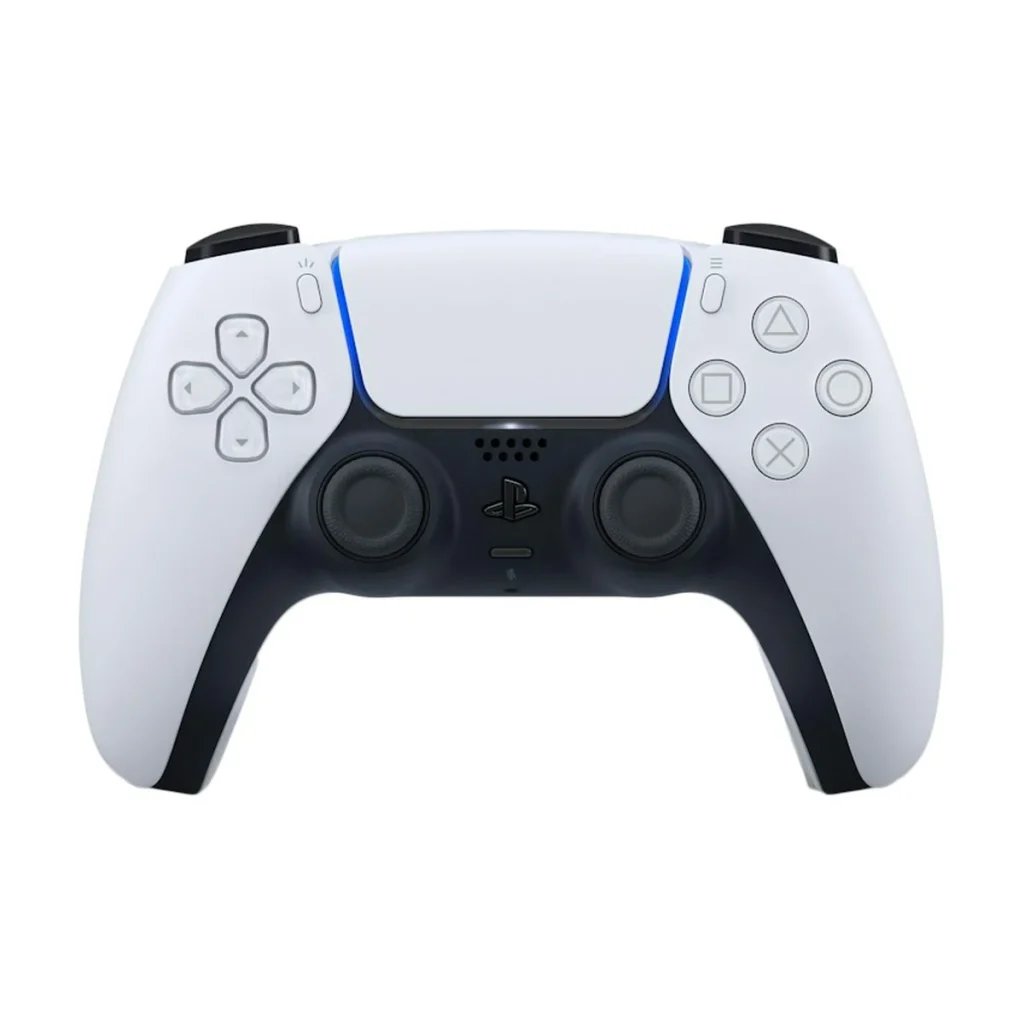
1. DualSense wireless controller (White)
The DualSense is the controller that comes with every PS5, and it is still the one we recommend to most buyers. It has haptic feedback, adaptive triggers, a built-in microphone and speaker, a touchpad, motion sensors and a headphone jack.
It charges over USB-C and lasts roughly six to twelve hours, depending on how hard a game works the haptics. It is comfortable for most hand sizes and well balanced.
If you need a second PS5 controller for a partner, a child or a friend, start here. Every PS5 game is designed around it, so nothing is ever missing. See the white DualSense in our store.
2. DualSense Midnight Black
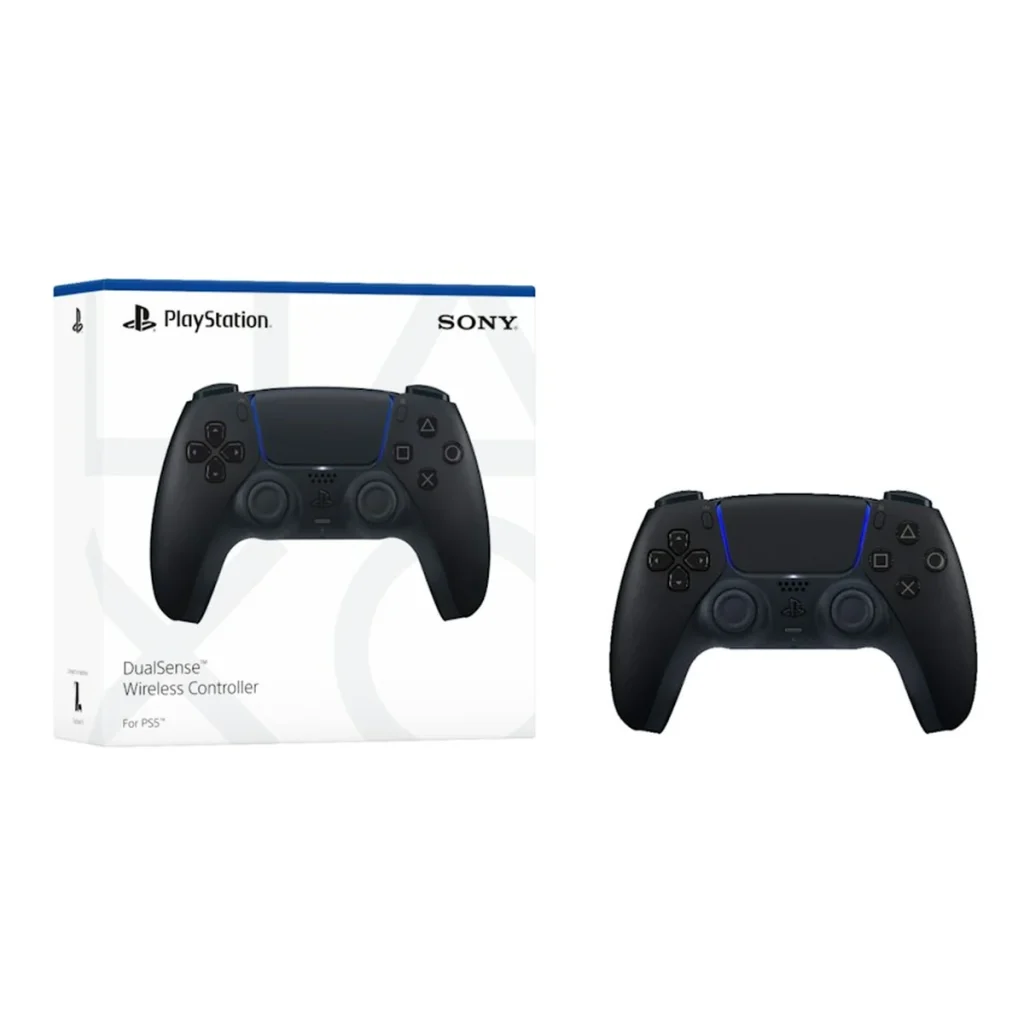
The Midnight Black DualSense is the same controller in a two-tone black finish. Features, battery life and feel are identical to the white model.
Black shows less dirt and fewer marks over time, which makes it a popular choice for a main controller. It also makes it easy to tell two controllers apart on the sofa. See the Midnight Black DualSense.
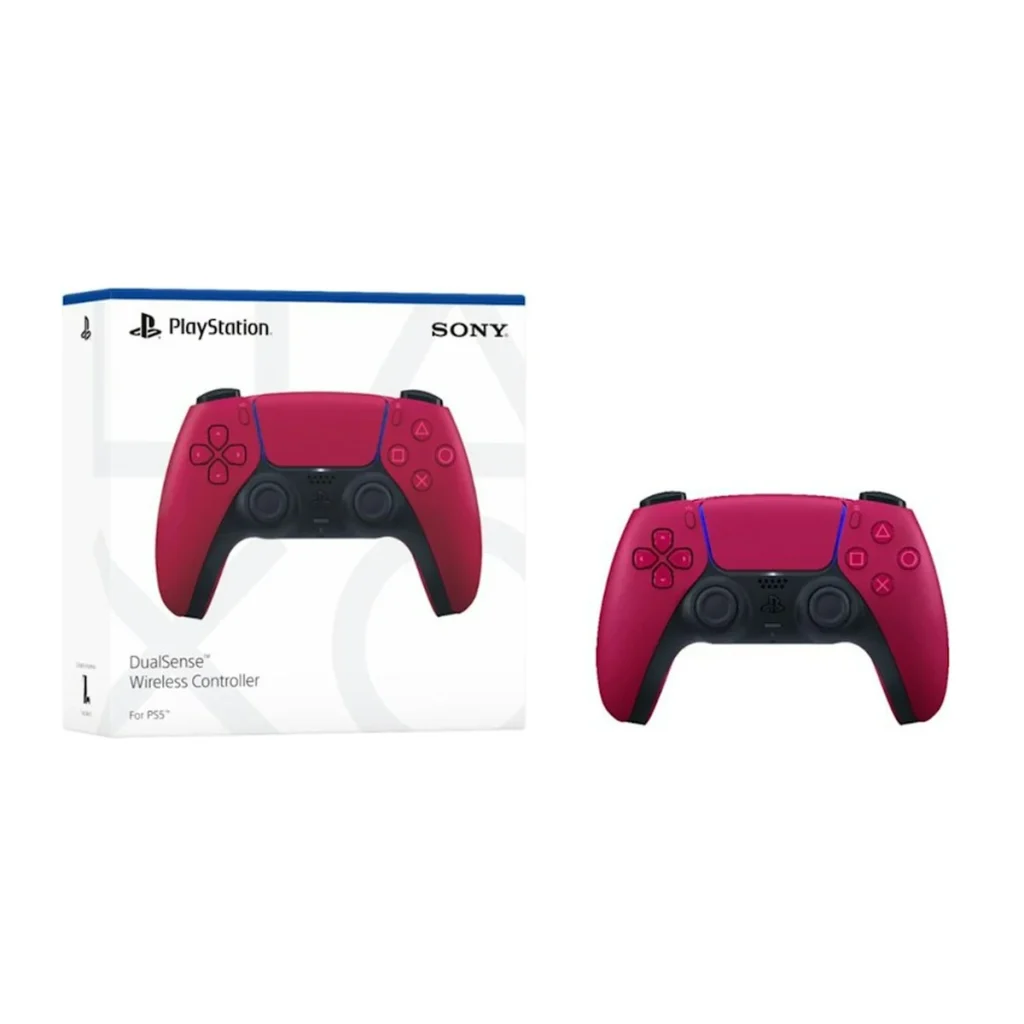
3. DualSense Cosmic Red
Cosmic Red is a deep red with black accents. It is the boldest of the standard colours and one of the most requested as a gift.
Like every colour, it is a full DualSense with no features removed. Colour is purely a matter of taste, so pick the one you will enjoy looking at. See the Cosmic Red DualSense.
4. DualSense Starlight Blue
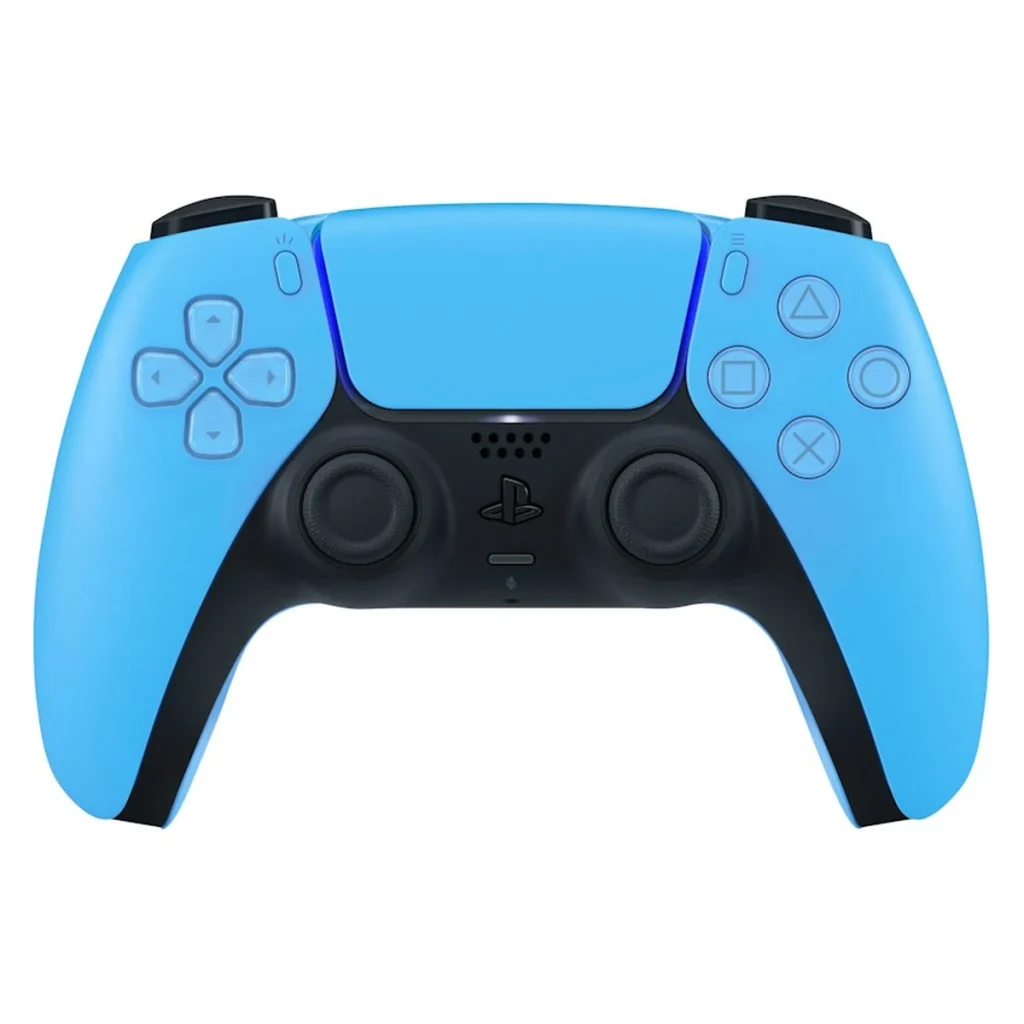
Starlight Blue is a bright, clean blue with white accents. It stands out next to the console without being loud, and it pairs well with the white PS5.
If more than one person plays in your home, giving each player a colour avoids arguments about whose controller is charged. See the Starlight Blue DualSense.
5. DualSense Edge
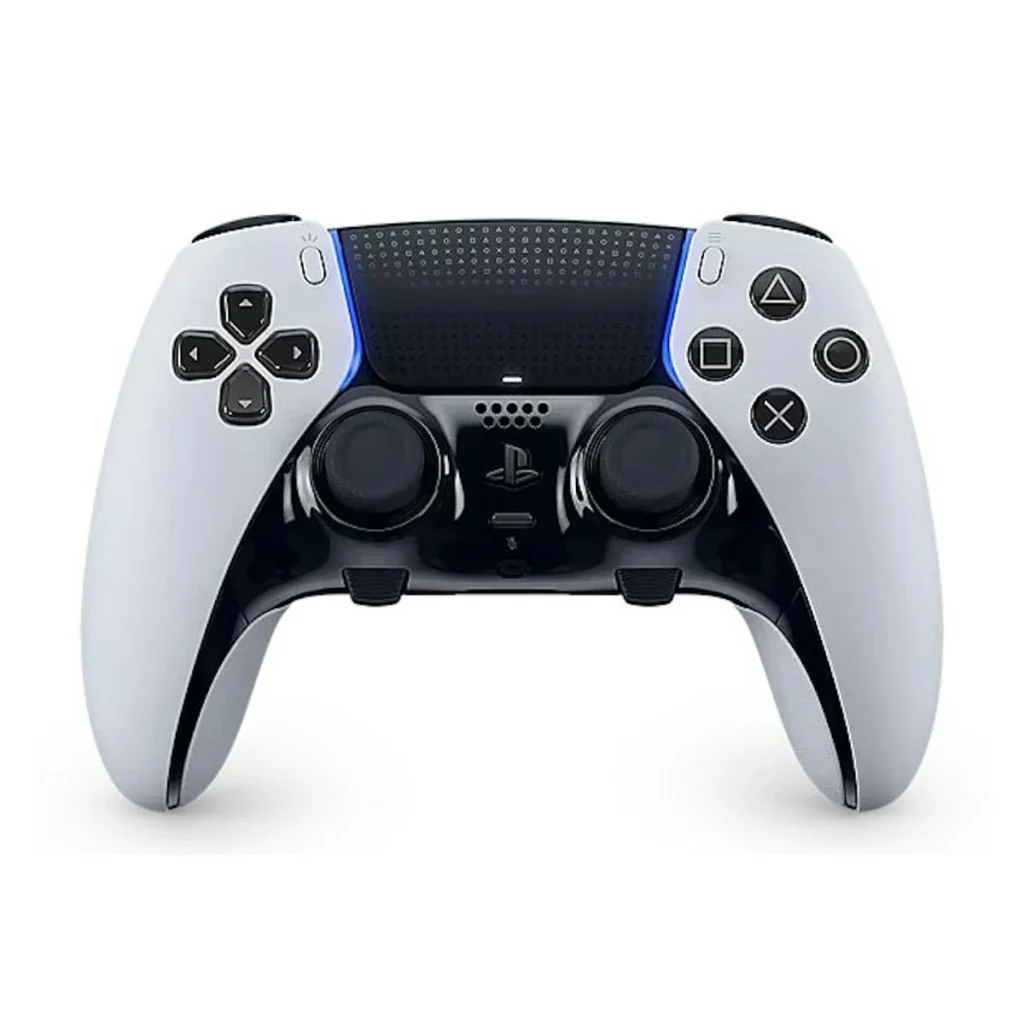
The DualSense Edge is Sony’s own pro controller, and it is the best PS5 controller for players who want more control without giving anything up. It keeps haptic feedback and adaptive triggers, then adds the tools competitive players ask for.
- Two back buttons: choose between half-dome and lever shapes, both included.
- Adjustable trigger stops: three positions on each trigger.
- Replaceable stick modules: swap a worn stick in under a minute.
- Swappable stick caps: standard, high dome and low dome, all in the box.
- Custom profiles: save button layouts and stick sensitivity, then switch between them with the function buttons.
It comes in a hard carrying case with a braided USB cable that locks into the controller. The one trade-off is battery life, which is shorter than the standard model at around five to six hours.
Because the DualSense Edge is made by Sony, every setting is managed from the PS5 menu, with no extra app. You can read Sony’s full description on the official DualSense Edge page, or see the DualSense Edge in our store.
6. Razer Wolverine V2 Pro
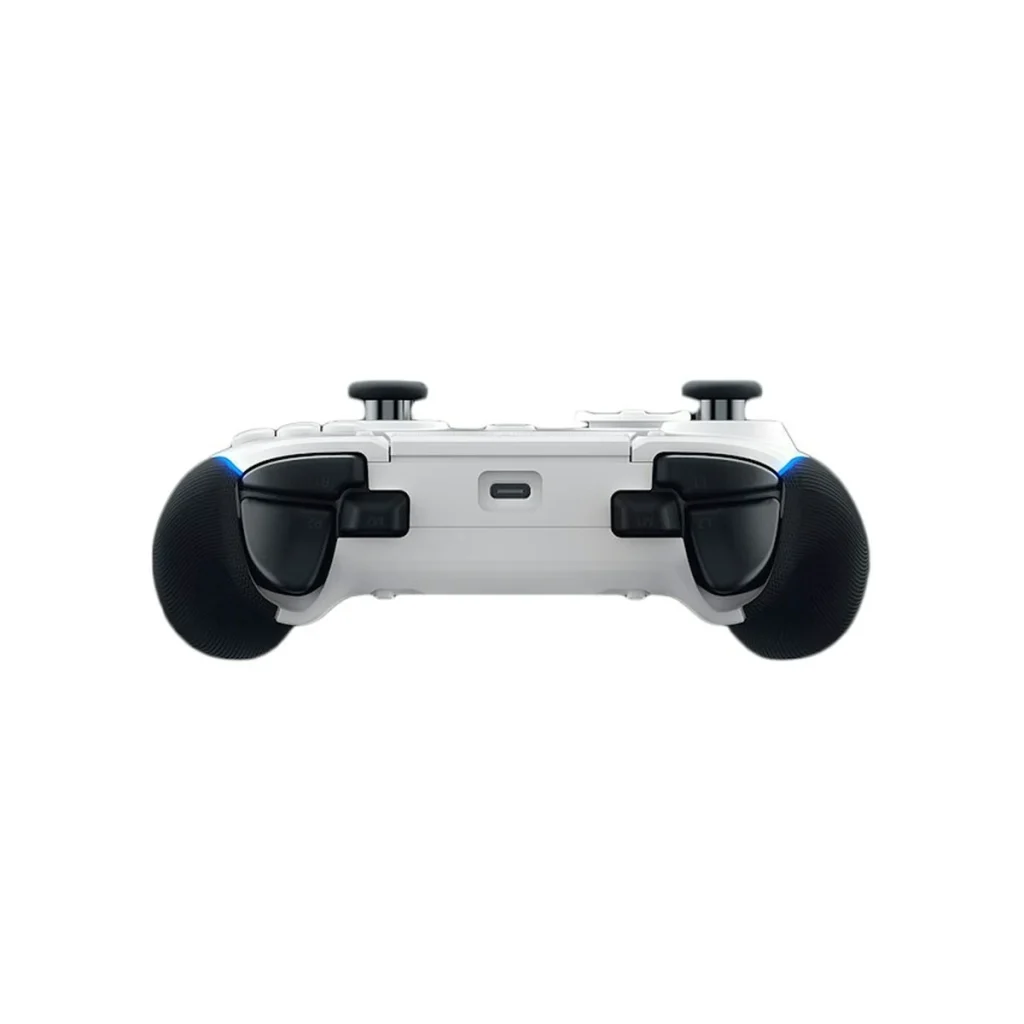
The Razer Wolverine V2 Pro is an officially licensed wireless controller for PS5 and PC. It is built for speed. The face buttons use mechanical switches with a short, crisp click, and the D-pad is an eight-way microswitch design that suits fighting games.
It has six extra inputs: four back paddles and two additional bumpers, all remappable. Trigger stop switches shorten the pull for shooters. The sticks use an offset layout, similar to an Xbox controller, which some players find more comfortable.
There is one important trade-off. The Wolverine V2 Pro does not have haptic feedback or adaptive triggers, so games feel less physical than on a DualSense. It connects through a USB wireless dongle. If you mainly play competitive shooters and value response time above immersion, it is an excellent tool. See the Razer Wolverine V2 Pro.
7. SCUF Reflex
SCUF made paddle controllers popular, and the Reflex is its model for the PS5. It is built on DualSense hardware, so the shape, the touchpad, the haptic feedback and the adaptive triggers all feel familiar.
The Reflex adds four removable rear paddles, a profile switch that stores three layouts, and interchangeable thumbsticks in different heights and shapes. You can set everything on the controller itself, without software.
It suits players who like the standard PS5 controller but want four paddles in place of two. SCUF has made several versions, so check which features the one you are buying includes. See the SCUF Reflex.
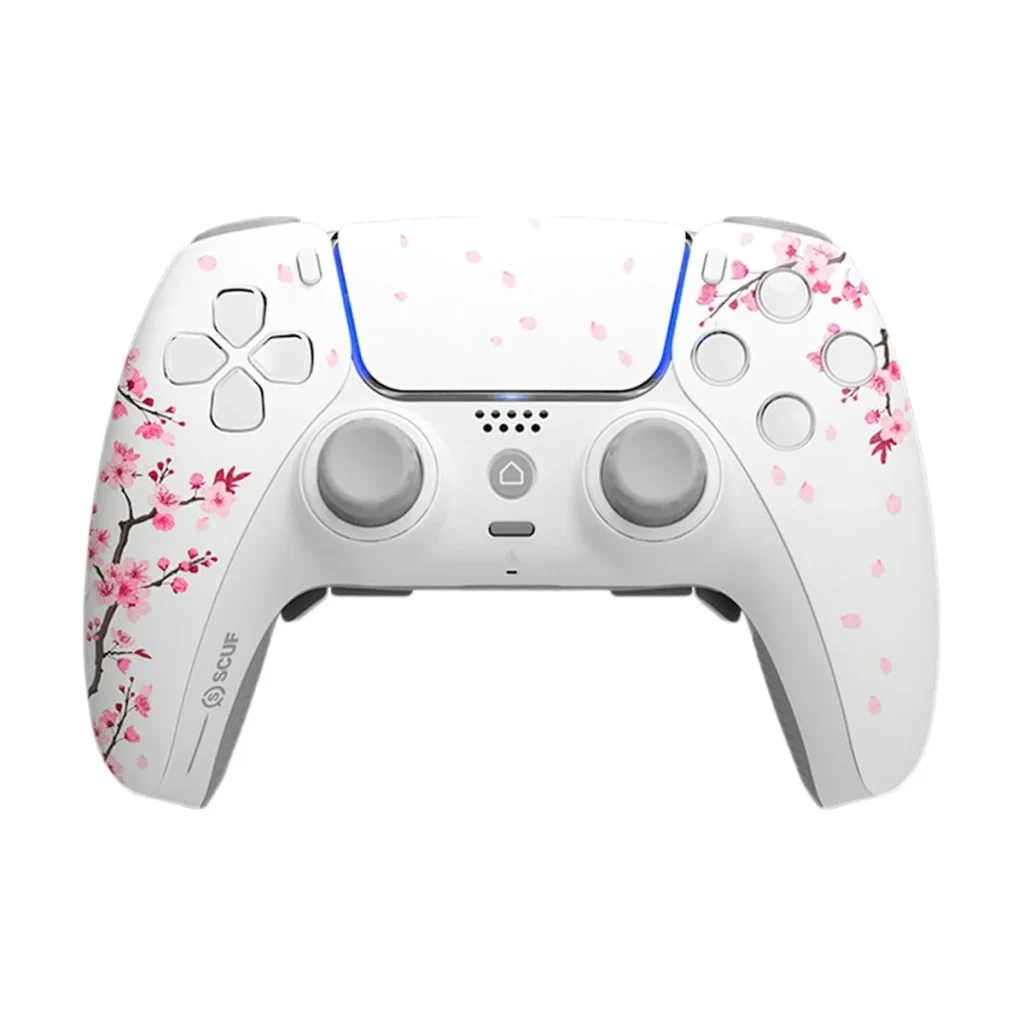
DualSense Edge vs Razer Wolverine vs SCUF Reflex
These three pro controllers take different approaches, and the best one depends on what you play.
Choose the DualSense Edge if you play a mix of games and want every PS5 feature. It is the only one with replaceable stick modules, and it is set up entirely from the console menu.
Choose the Razer Wolverine V2 Pro if you mostly play shooters or fighting games and want the fastest buttons and the most extra inputs. You give up haptics and adaptive triggers.
Choose the SCUF Reflex if you want four paddles and still want the full feel of a DualSense. It sits between the other two.
Do you need a pro controller?
Most players do not. A standard PS5 controller is accurate, comfortable and designed for every game on the system. For story games, sports games, racing and family play, it is all you need.
A pro controller earns its price in three situations. First, if you play competitive online shooters, where back buttons let you aim and jump at once. Second, if you play many hours a week and wear sticks out. Third, if you have a physical reason to remap buttons to a more comfortable position.
If none of those apply, buy a second standard controller in a colour you like, and spend the difference on games.
How to pair a new controller with your PS5
Adding a second controller takes less than a minute. The first time, it needs a cable.
- Switch on the console with the controller you already use.
- Connect the new controller to a USB port on the console with a USB-C cable.
- Press the PS button in the middle of the new controller.
- Choose a user when the console asks who is playing.
- Unplug the cable. The controller now connects wirelessly every time you press the PS button.
A licensed controller with a wireless dongle, such as the Razer Wolverine V2 Pro, works differently. Plug the dongle into the console, switch the controller on, and the two connect on their own. To move any controller to another console, connect it to that console with the cable and press the PS button again.
How to set up back buttons
Back buttons only help if you map them well. A good starting point for shooters is jump on the right back button and crouch or slide on the left. That keeps your right thumb on the aiming stick while you move, which is the whole point of having them.
With four paddles, add reload and weapon swap to the second pair. In racing games, players often map gear up and gear down. In sports games, sprint and switch player are common choices.
Give yourself a few days to adjust. Most players feel slower for the first couple of sessions, then stop thinking about it. If a layout still feels awkward after a week, change one button at a time. Saved profiles make this easy, because you can keep a separate layout for each game you play.
Trigger stops deserve the same thought. Use the shortest setting for shooters, where a quick tap fires a shot. Switch back to the full pull for racing and flying games, where you need fine control over throttle and brake. Adaptive trigger effects are reduced or switched off when the stop is at its shortest setting, which is normal.
Battery life and charging
A DualSense lasts roughly six to twelve hours per charge. Games with heavy haptic effects drain it faster. Pro models with extra features tend to last a little less.
Every controller here charges over USB-C, from the console or any USB charger. You can keep playing while it charges with a long enough cable. A few habits make the battery last longer.
- Lower the vibration and trigger effect intensity in the PS5 settings.
- Dim the controller’s light bar.
- Set the controller to switch off after ten minutes without use.
- Mute the built-in microphone when you are not using it.
If you own two controllers, Sony’s charging station holds both and charges them through the contacts at the bottom, so one is always ready.
Compatibility with PC, PS4 and phones
A DualSense works with more than the PS5. It connects to a Windows PC by USB or Bluetooth, and many PC games support its haptics and triggers over a cable. It also pairs with iPhone, iPad, Android phones and Mac for mobile and cloud gaming.
It does not work with a PS4 console. Going the other way, an older DualShock 4 will connect to a PS5, but only for playing PS4 games. PS5 games need a PS5 controller.
A PS5 supports up to four controllers at once, which is enough for any local multiplayer game.
Looking after your controller
Stick drift is when a character or camera moves on its own. It is caused by wear or dirt inside the stick mechanism, and it can affect any controller over time. A little care delays it.
- Keep controllers away from dust, crumbs and drinks.
- Wipe the sticks and grips with a dry cloth after long sessions.
- Store controllers on a stand or shelf, not at the bottom of a bag.
- Avoid pressing the sticks hard into the edges during play.
- Keep the controller’s software updated when the console prompts you.
If drift does appear, the DualSense Edge lets you replace the stick module yourself. On other models, the controller needs a repair or a warranty claim.
Best PS5 controllers: common questions
Which PS5 controller is best for Call of Duty and other shooters?
A controller with back buttons and trigger stops. The DualSense Edge, the Razer Wolverine V2 Pro and the SCUF Reflex all qualify. The Wolverine has the fastest buttons, and the Edge keeps the full PS5 feel.
Are coloured DualSense controllers different from the white one?
No. Every colour has the same hardware, features and battery. Only the finish changes.
Do third-party controllers work with all PS5 games?
Officially licensed controllers, such as the Razer and SCUF models in this guide, work with PS5 games. Some features may be missing, so check for haptic feedback and adaptive triggers if those matter to you.
How long does a PS5 controller last?
With normal use and a little care, several years. Heavy daily play wears the sticks sooner, which is one reason frequent players choose a model with replaceable parts.
Can I use a PS5 controller while it charges?
Yes. Connect it to the console or a charger with a USB-C cable and keep playing.
Is the DualSense Edge worth the higher price?
For competitive players and heavy users, yes. The back buttons, trigger stops and replaceable sticks are useful every session. For casual play, the standard controller is the better buy.
The verdict
The best PS5 controllers are the ones that match how you play. For most people that is a standard DualSense, in whichever colour you prefer. For competitive players, the DualSense Edge is our top pick, because it adds pro features without removing anything. The Razer Wolverine V2 Pro and the SCUF Reflex are strong alternatives if you want more paddles or faster buttons.
Every controller from Nine Consoles is brand-new, sealed and covered by our warranty. Browse all our controllers, or message us on WhatsApp and we will help you pick.
Ready to order?
Message us on WhatsApp and we confirm price, stock and delivery in the USA and Canada before you pay.
Chat on WhatsApp